How to Count Calories to Lose Weight: A Beginner's Guide That Sticks
Weight loss comes down to one number: eat fewer calories than you burn, consistently, and the scale moves. The hard part isn't the science. It's sticking with the counting when your day already belongs to everyone else. Here's the simple version of how calorie counting works, and a daily routine that takes under two minutes.
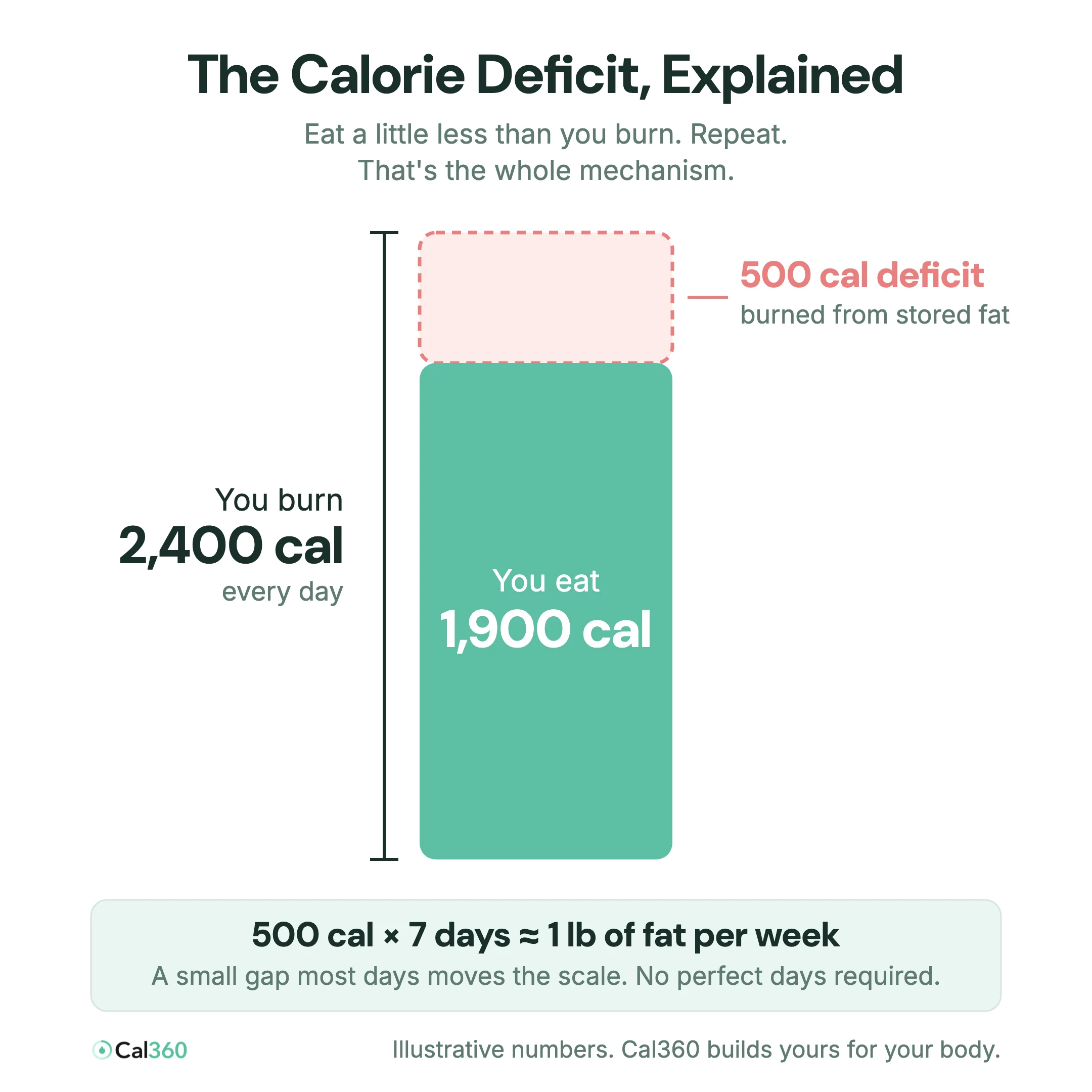
Step 1: Understand the calorie deficit
Your body burns a certain number of calories per day (your maintenance). Eat below it and you're in a calorie deficit, so your body makes up the difference from stored fat. A deficit of about 500 calories per day works out to roughly one pound per week. That's the entire mechanism. Every diet that works, works because of this.
Step 2: Get a target built for your body
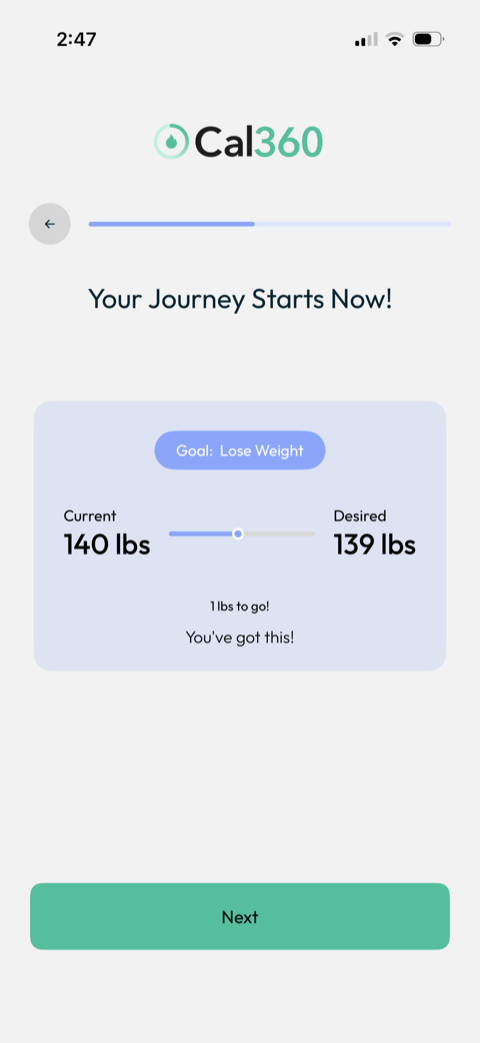
Generic advice like "eat 1,200 calories" fails because maintenance varies enormously with your size, age, and activity. Cal360's onboarding builds your number from your height, weight, birthday, workout frequency (0 to 2, 3 to 5, or 6+ times a week), goal weight, and preferred pace: nice and easy, steady progress, or faster results. The output is a complete daily plan, for example 1,920 calories · 120g protein · 216g carbs · 64g fat. If you want the full math, read How Many Calories Should I Eat a Day?
Step 3: Log everything, in seconds, not minutes
This is where most people quit, and where Cal360 is built differently. Every meal can be logged four ways:
- Snap a photo: AI identifies each food and estimates portions.
- Say it: "two eggs and toast with butter" logs itself.
- Scan a barcode: instant facts for 1M+ packaged foods.
- Search by name, brand, or restaurant.
Log the snacks and the drinks too, because untracked bites are the most common reason a "deficit" doesn't produce results.
Step 4: Manage your day with the calorie ring
Cal360's dashboard shows calories left at a glance. The winning habit is to check it before dinner. If you have 700 left, great. If you have 200, dinner is a lighter plate. No guilt, no math, just a visible budget. Two features make real life easier:
- Calorie rollover: leftover calories from yesterday can count toward today's goal.
- Exercise earn-back: with Apple Health sync, a run can add calories back to today's budget.
Step 5: Judge the trend, not the day
Daily weight bounces with water, salt, and sleep. Weigh in a few times a week in Cal360's Progress tab and watch the multi-week trend line. If the trend falls at your chosen pace, your calorie target is working. If it stalls for 2 to 3 weeks, tighten logging accuracy first, then let Cal360 adjust your target.
Never know what to cook? Cal360's AI weekly meal plans match your calorie target across 9 diets, so staying in your deficit doesn't require willpower at 6pm.
Get Your Personal Calorie Plan
A 2-minute assessment gives you your daily calorie and macro targets. Free trial, pay later, cancel anytime.
Start Tracking for Free